On Designing from AI Artifacts
Claude, it turns out, loves numbered eyebrow labels. Some thoughts on how clients’ AI-assisted wireframes and mockups are impacting how we design finished websites.
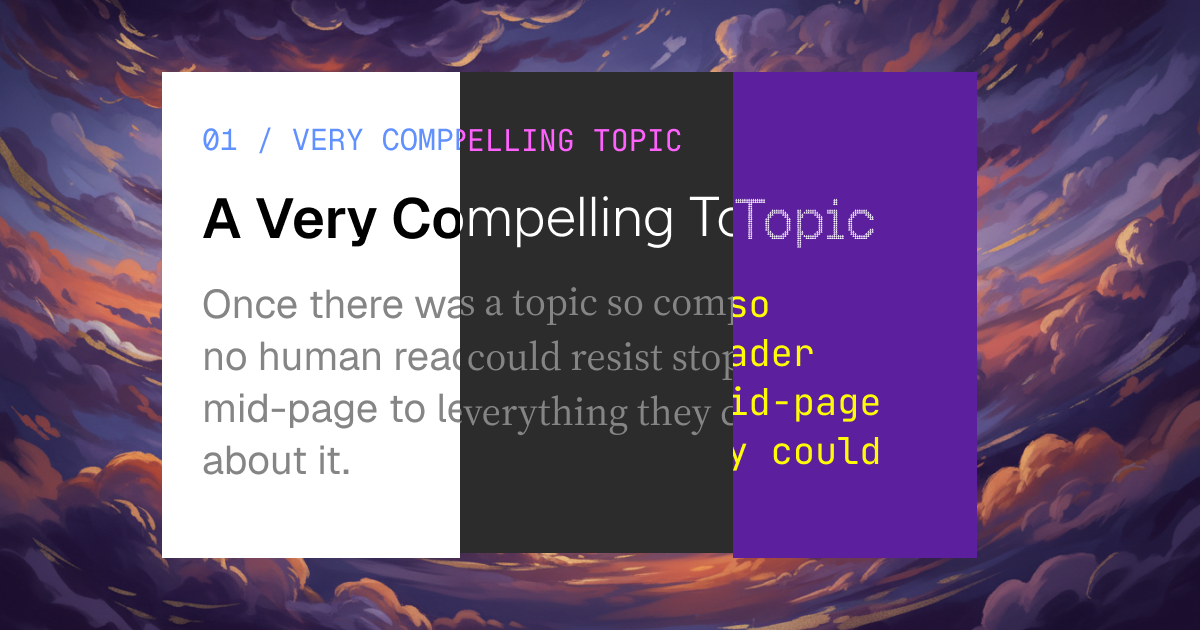

Something wild happened this week as I was testing out Anthropic’s new Claude Design app. Claude Design can import Figma files, screenshots, code, etc, then use those as the basis for new designs that you co-create with an AI in a Claude chat thread.
And the results can be pretty impressive — given a bit of structure and your design system, it can generate wireframes or even high-fidelity mockups that feel almost like a human designer made them.
That same day, one of my clients invited me to their team’s Claude account so she could share a mockup of a new direction for a page on their site that she had generated with AI assistance.
Before I go further, regardless of how you may feel about clients providing AI-generated specs, I’ve accepted that for many people these tools seem to genuinely unlock ideas and creativity they would have had trouble expressing otherwise. As I’ll explain below, this can be a double-edged sword, but it is a sword that clients and partners are excited to wield, and I don’t want to, as they say, yuck anyone’s yum.
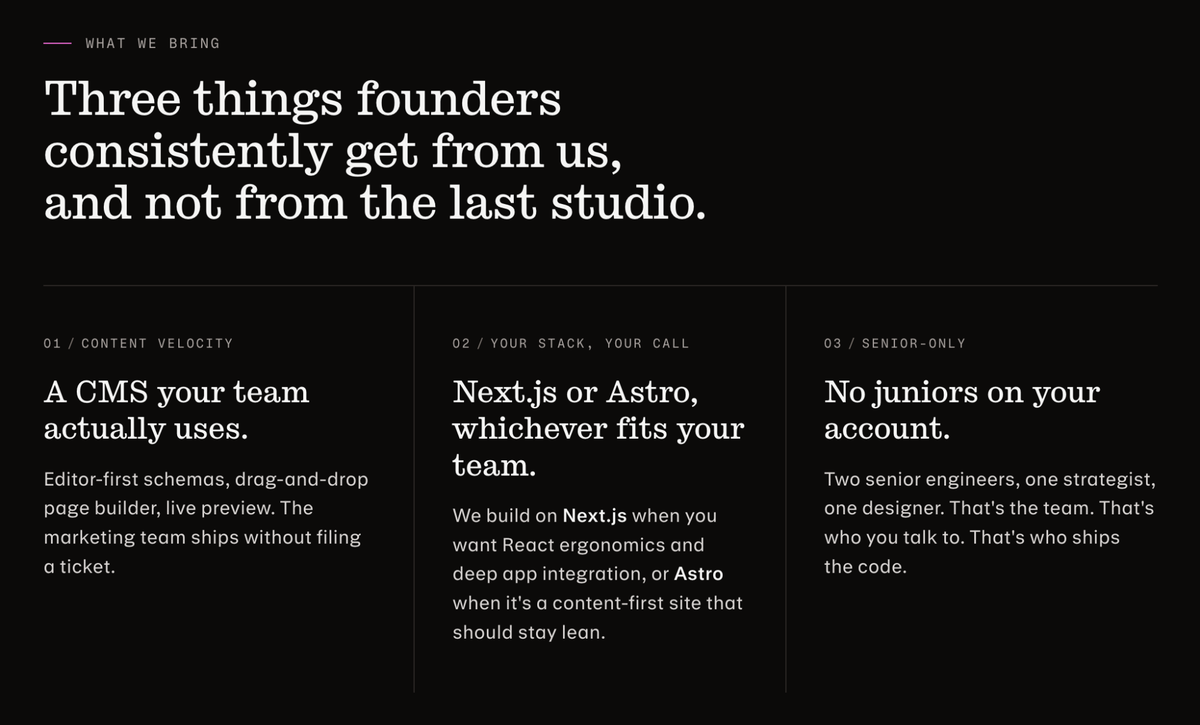
One thing that jumped out right away: apart from colors and fonts, the layout and style were very similar to the landing page Claude Design had just generated for B&L, right down to the use of 01 / SOME TEXT eyebrows above each column in a 3-up feature section. Claude, it turns out, loves putting numbered labels on things.
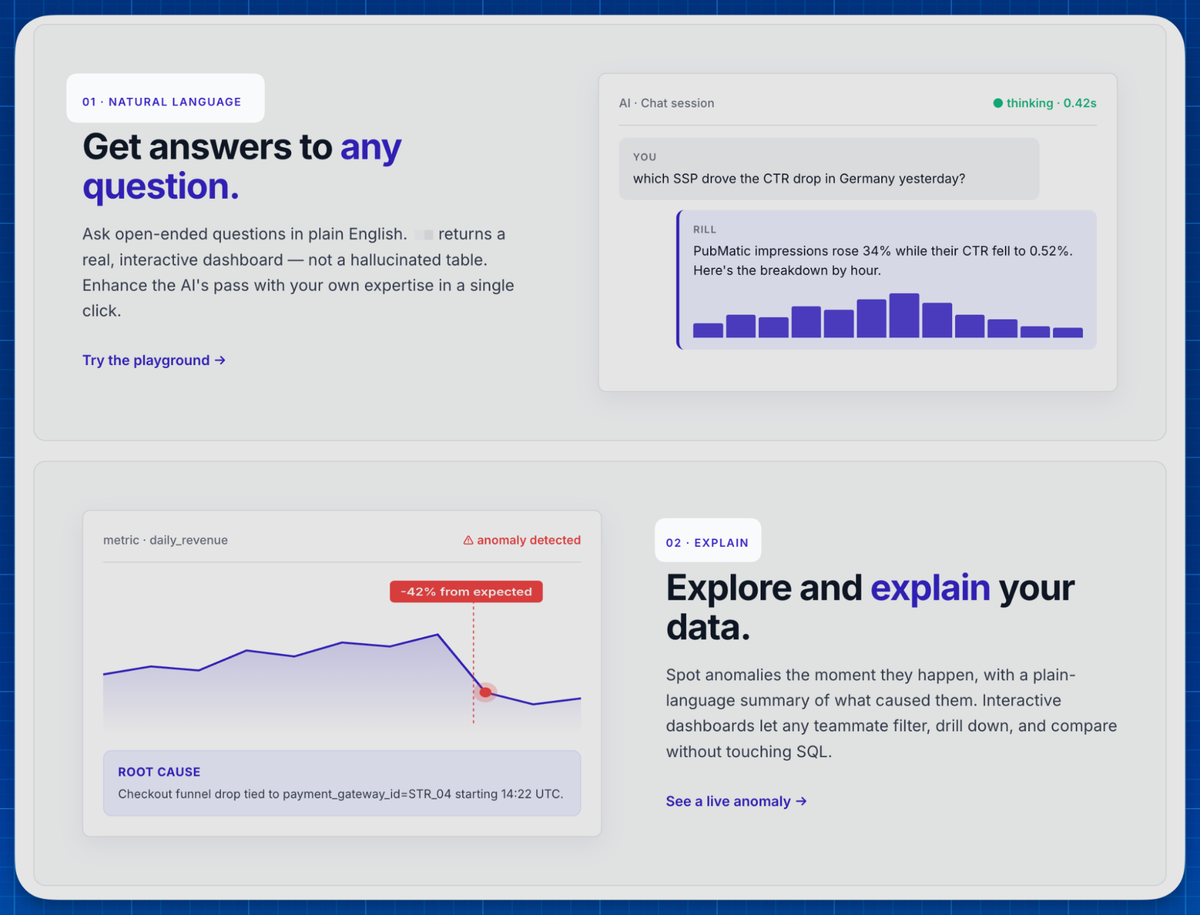
Obviously, their content and branding vibe are super different from mine, and neither brand has the kinds of super-bespoke elements that an AI couldn’t figure out with enough training data.
In being able to produce similar-seeming content with very different vibes, Claude demonstrates the value of design systems, and how well Anthropic’s models can identify and remix design system elements.
But this also highlights two big problems with AI-assisted design:
The Templates Strike Back
Large language models find common patterns in their training data, then generate text, visuals, etc that follow the pattern that seems most likely based on your prompt. Put another way, AI’s job is to find a common template that most closely matches what you’re looking for, then fill in blanks. That’s not a secret — it’s how they’re designed to work, the whole point of them.
People who’d double over cringing at the thought of delivering creative work based on a template will gladly ask an AI chatbot to “design” a web page or presentation.
Because LLMs make a show of “thinking” and “generating” their work product, it isn’t as obvious to users that each artifact Claude or its brethren produce might be following some standard template. As it turns out, AI generates template-ish work in the least efficient way possible, scouring its own model memory and all the resources available to it to generate brand-new copies of the same templates, as opposed to copy-and-pasting stuff into a template that already exists, like God intended.
But the result is the same—AI-generated work tends to look similar, because content on the web tends to look similar, and unlike us LLMs have no shame about copying someone else’s structure, content, or vibe. You can end up looking like you just filled in a template from Tailwind Plus without even knowing what Tailwind Plus is.
AI Tools Are Biased Toward Cramming In More Stuff
A few years ago, while I was on the Material Design team at Google, one of our user researchers presented a paper about different UX sensibilities between Western and East Asian users. One of the most interesting findings was that, while Western audiences are drawn to minimal, tightly focused UIs that help them quickly identify what matters most, Asian users prefer busy, information-dense interfaces that cram tons of information into small spaces.
There are lots of reasons for this, but a big one is that Western users associate minimalism with “taste” and “class”, which in turn make them feel good about themselves, as if interfaces are a reflection of their own character. East Asian users, at least in this study, were far more pragmatic — seeing more information seems more useful and therefore more valuable, and users in this study preferred that.
I bring this up because AI output, whether it’s text or visual, tends to be a lot more crowded than what a human writer or designer would produce. In writing, this manifests as sentences with too many clauses (e.g. em dashes that could have been commas or periods), paragraphs with one too many ideas, or the proliferation of unnecessary “this, not that” contrasts or jargon-dropping.
Here’s another example from the Claude-designed landing page concept. It looks robust and satisfying, but there’s information on here that’s just not necessary, like the timeframe for each project (“3 mo”, “6 wk”), or a headline that’s only partly differentiated from the eyebrow above it. And it may or may not be obvious that these are AI-generated sample projects—Claude is simulating a breadth and depth that even large agencies may not have or want to share.
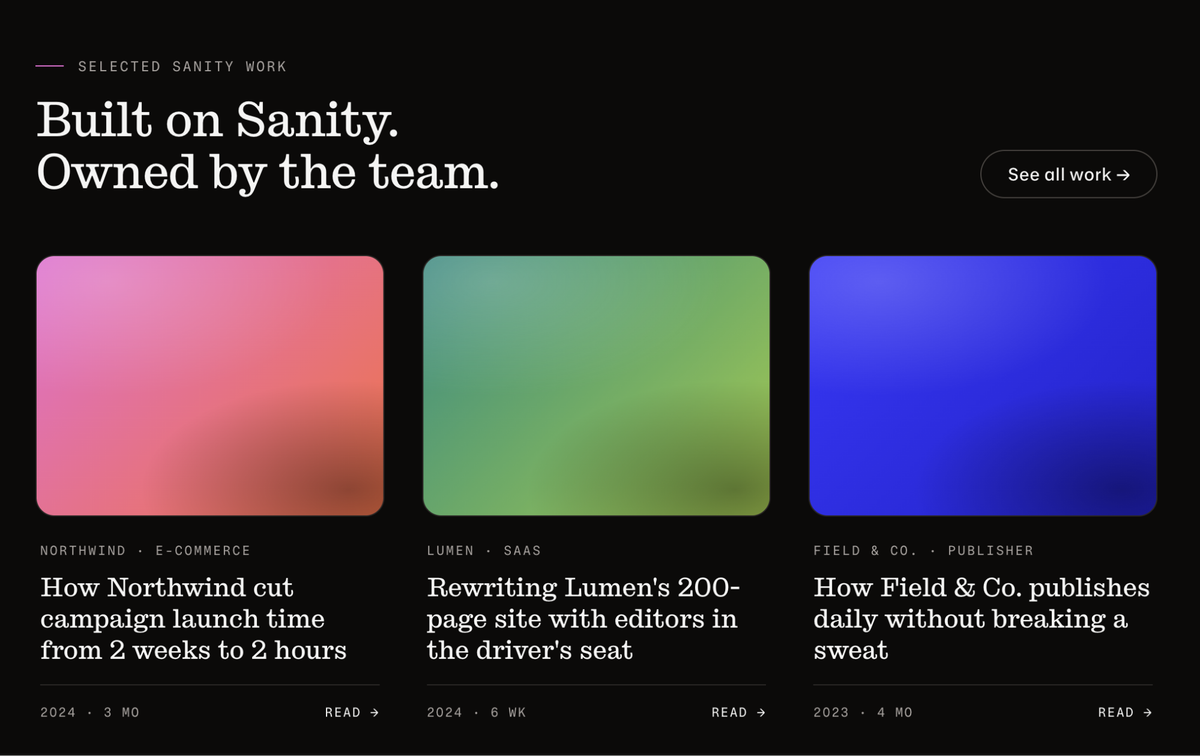
Visually, the numbered labels Claude keeps dropping into designs — and, FWIW, a day later Claude Code did it again on a totally different project — add a bit of counter-weight to headings and sub-paragraphs. They provide a visual rhythm that’s oddly appealing, and the numbers imply structure and flow.
But, informationally, they’re often totally useless. There’s no need for the items in a section about our web dev services to be numbered, and the label following the number is like an alternate headline competing with the actual headlines. And, what’s more, they’re just extra.
Whereas a human designer would think about how to provide a nice visual balance with spacing or decoration, Claude and other LLMs will always add more text. But, unlike the East Asian UX research study, the extra text isn’t adding value or cramming in more information. Instead, AI content tends to just repeat and restate other content on the same page, creating the appearance of depth and balance that’s really just filling space.
How to design in the AI era
AI’s tendency to cram extraneous stuff into a generic, template-y frame demands a new way of working. Whereas in a traditional, human-made wireframe, a designer or dev has to figure out what’s missing, someone working from an AI-generated mockup now has to figure out which extra elements — which includes text as well as color or imagery choices — to pare back in order to get a design into its best state. If design used to be like sculpting with clay, adding things and forming them, now it’s like working with marble where you chip things away until the right end product reveals itself.
Unlike working with marble, however, the added material in an AI mockup looks like a real work product. The job isn’t just to chip away at the slop, but to identify what’s slop in order to chip it away. And, not to beat this point into the ground, the answer isn’t “never use/reject all AI,” because people are using these tools and enjoy using them.
To the extent I have a clear takeaway on all this, it’s that designers working with AI-using clients need to build time and feedback loops into their projects, so they can review AI output with the client and confirm what parts are actually important, and to surface any issues that may not have been obvious to them when Claude made the mockup.
For instance, one row of numbered eyebrow labels is fine in isolation. But Claude will often use that pattern multiple times on a single page, and even visually savvy clients will sometimes focus on trees (the look of a single component) and ignore the forest (how that plays out across a whole page or design system). Designers are more attuned to that; we need to notice and surface these issues, and build on whatever clients and their AI friends have produced to get to what’s actually needed.