Ten Years Later, Git is Still for Humans
My cult-favorite guide to Git and version control just turned ten. What’s changed in the world of Git, and what’s stayed regrettably the same.


How it started
In 2013, I chimed in on a Twitter thread involving my then-coworker Mandy Brown , master web developer Mat Marquis , and (I think) “Mr. Responsive Design” himself Ethan Marcotte . Mat was complaining about Git and begged Mandy to commission an A Book Apart title about it; Mandy said, with a wink, that pitches would be welcome.
I quickly dashed out an outline and sent it to her; shortly afterward I had a book deal. Two and a half years later — the writing process slowed down a ton by the birth of my now-tweenaged daughter, not to mention my day job as a product lead for Typekit at Adobe — Git for Humans finally shipped in February 2016.
Whereas a lot of technical books try either to dumb down concepts for less technical readers, or else cater to the most advanced readers with tons of jargon and detail, GfH took a different approach. It aims to demystify Git for designers, writers, and junior developers — but not only does it not hold back from explaining difficult concepts, I start there.
The truth is that Git, and version control in general, are pretty advanced from a workflow or information-design POV, and that’s a bug, not a feature. That Git became the version-control lingua franca for our whole industry is a testament to open source (unlike other VCS tools, Git was and is free under a very permissive license) and marketing (GitHub wrapped Git in a friendly SaaS workflow with super friendly pricing, and worked hard to make GitHub the tool every developer wanted to use).
Meanwhile, other alternatives were either feature-poor or, if you can believe it, even harder to use. (I’m sure there are still Mercurial stans who wish it had won out in the aughts; I personally never liked using it.)
So, rather than leave designers with a few magic terminal commands that may still leave them and their repos in a confusing, broken state, I tried to explain Git’s mental models, so people would feel less scared and more empowered with this CLI that had been foisted on them.
How it’s going (with the book)
The book was never a huge seller, but even now I still sell one or two copies a month. From time to time I’ll see Reddit or X/Twitter threads where people ask for Git book recos; people will often mention GfH alongside resources like Oh Sh*t Git and Julia Evans’s Git and terminal zines.
In 2020, inspired by a blog post about the long overdue push to change Git’s conventional default branch name from master to main, I worked with the book’s original editor Caren Litherland on an updated second edition. That wasn’t ever published (which is totally on me), and in fact now needs some work to bring the updated manuscript up to date for 2026.
But one reason why I haven’t felt pressure to get a revised edition out is that the original text about Git’s concepts and mental models still holds up. 2026-era Git has more stuff to think about, especially for power users, which I’ll talk about in a moment. But the basic concepts of object, commits, branches, remotes—that’s all still as valid in 2026 as it was in 2016.
How it’s going (with Git)
When I wrote the original text, there were a few GUI apps for working with Git repos. They were… fine. Bear in mind, at that time Visual Studio Code hadn’t come out yet, and most text editors’ built-in Git features were basic if they existed at all. My book favored the command line because the CLI is Git’s native tongue, but really because I didn’t think other interfaces were good enough to be helpful.
These days, there are a few graphical Git apps I can enthusiastically recommend:
- GitHub Desktop (free, cross-platform)
- Tower (Mac & Windows, $60/year)
lazygit (free, cross-platform), which runs in your terminal as a TUI but is just graphical enough to smooth out Git’s roughest edges, with phenomenally good keyboard shortcuts. lazygit is my preferred Git interface these days.
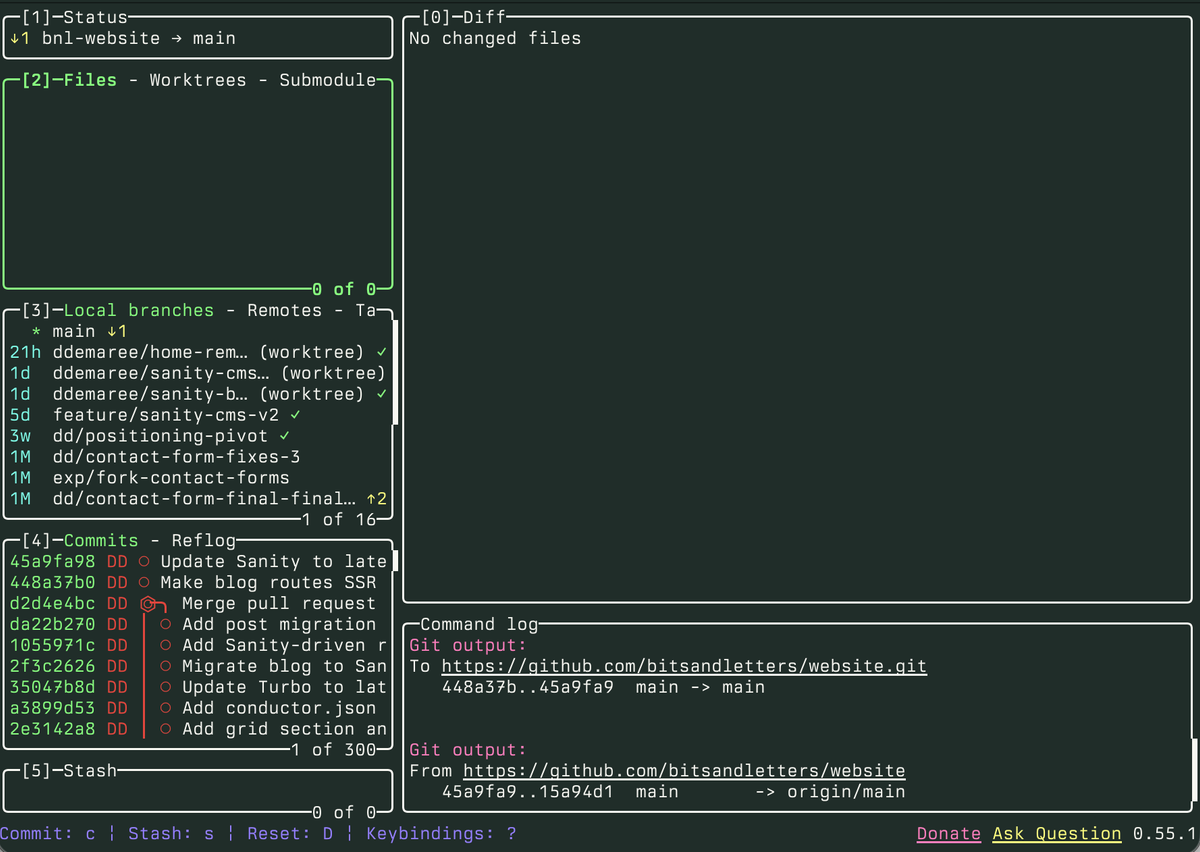
On top of these, every major IDE and text editor has good-to-great Git support; if you just need to make/switch branches and create commits, the Git tooling in VSCode/Cursor or Zed is totally fine — provided you know enough about how Git works to know what to put in a commit or branch (i.e. the stuff you can learn from my book).
When the book came out, GitHub-originated concepts like pull requests were brand new; they’re now part of the lexicon of software development. I’m old enough to remember the internet cackling at a bad Fox News graphic describing PRs as “e-notes to developers”; nowadays, I’m pretty sure all developers who hear “PR” think of “pull request” right away. (Marketers probably still hear “press release” or “public relations”, unless they’re in tech.)
Additionally, we now have cloud hosting platforms that integrate seamlessly with GitHub and other providers to build, test, and deploy code as soon as commits land on the server — while you can use browsers or CLIs to upload websites to Vercel, Netlify, or Cloudflare, all of these platforms work best (and, frankly, easiest) if you just connect them to Git.
How it’s going (with AI)
The biggest sea change in software development is, of course, the rise of agentic AI coding tools like Claude Code, Cursor, and Codex. (Note to self: found an AI startup starting with the letters ‘A’ or ‘B’.) While you don’t have to use Git to use these tools with codebases on your own computer, you really, really should — Git branches and commits are the best insurance policy you have against an AI agent breaking things, as you can always roll back to an older version, or use a diff tool (including the one built into GitHub Pull Requests) to see exactly what the AI changed.
If you’re trying to leverage AI coding agents in the cloud, Git goes from nice-to-have to required — Claude Code and its brethren can only see and work with code that’s available online via Git.
In terms of new concepts or mental models, the newest thing is actually an old feature that’s been given new currency by some of the newest-fangled AI tools that let developers work on several different coding tasks in parallel. Worktrees are a Git feature that allow you to check out multiple branches at the same time to different folders on your computer.
For example, if you’re deep in the weeds of totally refactoring a page or function but need to shift gears to a different branch, instead of stashing and unstashing your changes you can check out the other branch to its own worktree, keeping the original folder as-is until you’re ready to come back to it. Graphical tools like Tower and TUIs like my beloved lazygit have excellent built-in support for worktrees, which is good because even I can never remember the terminal commands for them.
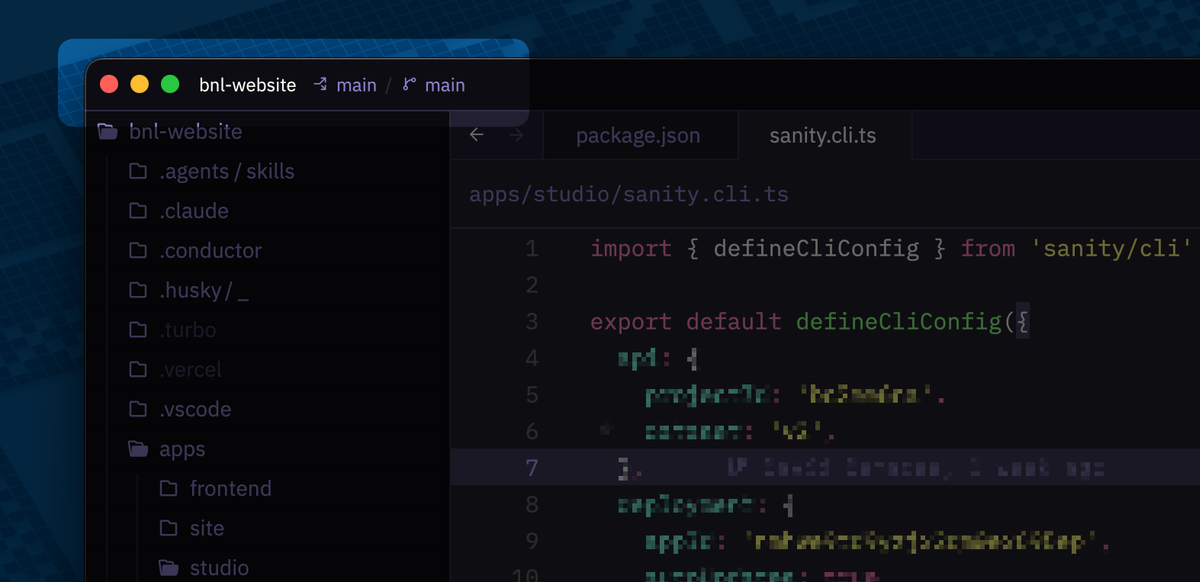
For AI-assisted coding, while you can spin up worktrees and Claude Code sessions yourself in the terminal, there’s an excellent Mac app called Conductor that uses worktrees and local Claude/Codex sessions to take on many tasks in parallel.
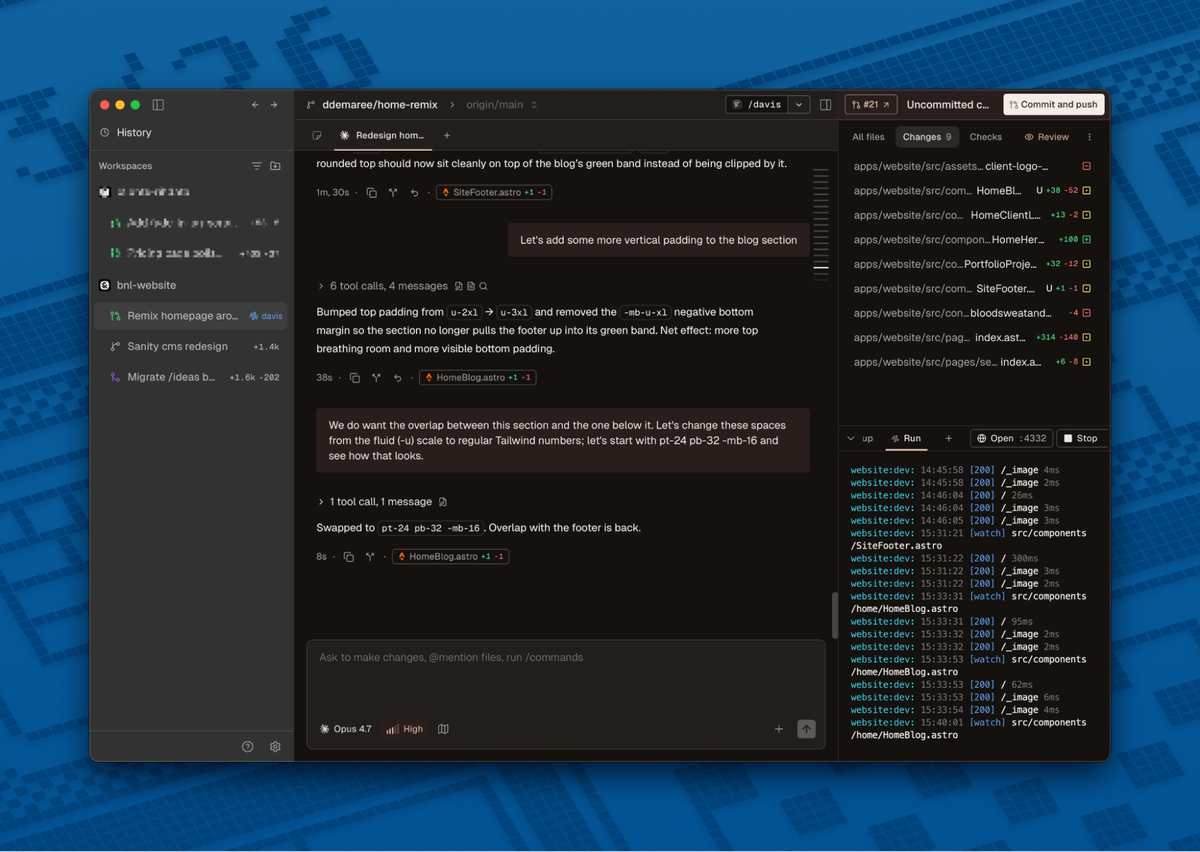
In addition to automating branching/worktrees and providing a more native-feeling chat interface to Claude, Conductor (in partnership with your chosen LLM) takes care of making commits and creating PRs; you can provide custom instructions for how PRs should be done, but I find the defaults are fine most of the time.
I think the relationship between Git and AI only reinforces what I was trying to do with Git for Humans all those years ago. Whether or not I manage to get a new edition of the book out the door — or a sequel, perhaps titled Git for Robots — the most important thing to use these tools well is to understand what the hell they’re doing under the hood, so you can feel empowered and use them to their fullest, not worry that you’re the one being used.